
How much does a broadband router actually use?
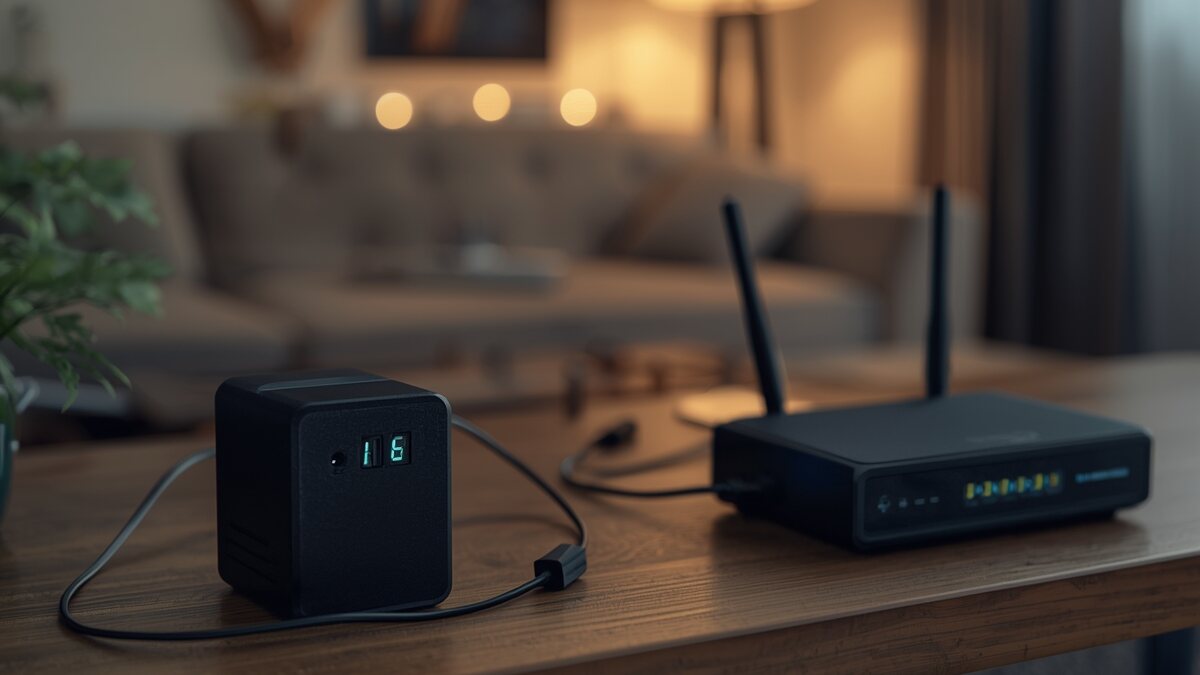
A standalone router or modem (or ONT) typically sits between 5 and 15 W in normal use. A combined gateway, which handles modem, Wi-Fi router and sometimes a TV set-top box all in one, tends to run closer to 10 to 20 W. Add a Wi-Fi extender or an extra mesh point and count another 3 to 8 W per unit.
These figures aren't rough guesses: the EU's standby regulation for networked equipment (Regulation (EU) 2023/826) caps the standby consumption of routers, modems and Wi-Fi access points, the so-called "high network availability" category, at 12 W today, dropping to 7 W from 2027. In active use, real-world consumption stays in the same range: these devices simply don't have anything power-hungry inside, no fan, no motor, no heating element.
The connection that changes everything: skipping the inverter
Almost every home router and broadband box is powered by a mains adapter that, internally, delivers low-voltage DC, most often 12 V. This has been the standard across the industry for as long as home routers have existed, with barrel-jack adapters typically ranging from 5 to 19 V depending on the model.
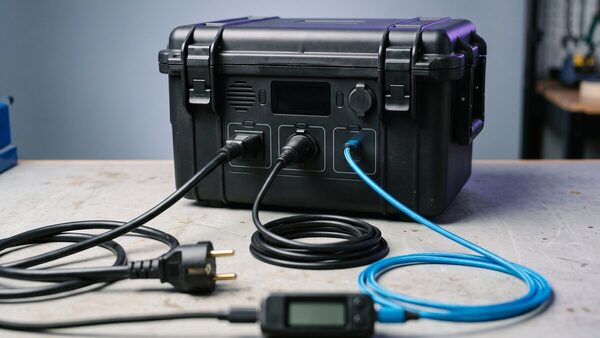
Plugging that original mains adapter into a station's 230 V socket routes the current through the inverter, which turns the cells' DC into AC, only for the adapter to convert it straight back to DC for the router: two conversions, two losses, for a device that never needed alternating current in the first place. Our dossier on real restored capacity already put a number on this: switching on a station's inverter costs around thirty watts on its own, a huge share of a 15 W router's draw and barely a rounding error next to a 2,000 W kettle.
The fix is simple: use the station's 12 V output (the car-style socket) with an adapter cable matching the router's connector, instead of the mains socket with the original power brick. The station's DC then feeds the router's electronics directly, with no inverter in between.
How long, in practice?
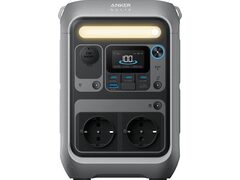
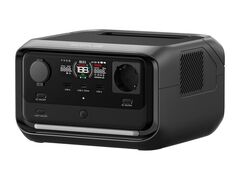
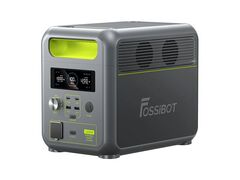
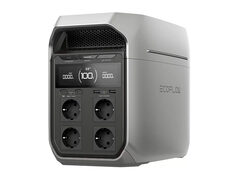
For a 15 W router, here's what four stations from our catalogue deliver on their 12 V output:
| Price | Rated capacity | Runtime on 12 V output | |
|---|---|---|---|
| Anker Solix C300 | £229.99 | 288 Wh | ≈ 17 h |
| EcoFlow River 3 Plus | £299 | 286 Wh | ≈ 16 h 40 |
| Fossibot F1200 | £429 | 1,024 Wh | ≈ 64 h 50 (2.7 days) |
| EcoFlow Delta 3 Plus | £849 | 1,024 Wh | ≈ 61 h 55 (2.6 days) |
The first lesson is that the cheapest station in the table, at £230, already lasts a full night and well into the next day. There's no need to buy a station sized for a job site or a campervan if the only goal is keeping the internet up during a power cut. The second is that for an outage lasting several days, a station under £450 lasts almost three full days on this one task alone.
To fine-tune this for your own equipment (a 10 W box has different needs from a 25 W business-grade router), our runtime calculator runs the exact same maths, output by output, with a router already preset at 15 W.
The real criterion: switchover speed, not capacity
Once runtime is sorted, another point matters more than battery size: how fast the station switches over between mains and battery. During a power cut, a station running in UPS mode takes over within milliseconds, without ever dropping the router's power. A station without that feature, or with a slow switchover, lets the router's supply dip for a fraction of a second, enough to trigger a full restart, often taking a minute or two to reconnect, far longer than the cut itself.
All four stations above switch over in 10 milliseconds, comfortably under the threshold that would trip a router. That's the spec to check first for this particular use, ahead of capacity: a large station without a fast switchover protects your connection worse than a small one that has it.
What about the rest of the connection?
Keeping the box powered achieves little if the computer, monitor or NAS using it go dark at the same time. If you're working through the outage, our remote work page details what to add to the station to cover a full day online. For an outage affecting the whole household, beyond the connection alone, our power stations for outages page and our full power cut guide cover lighting, keeping food cold, and electrical safety.