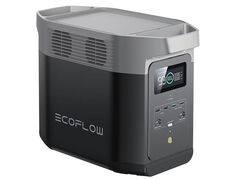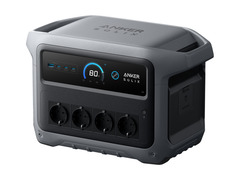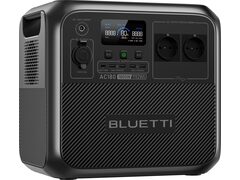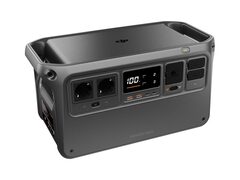

Which apps are we talking about?
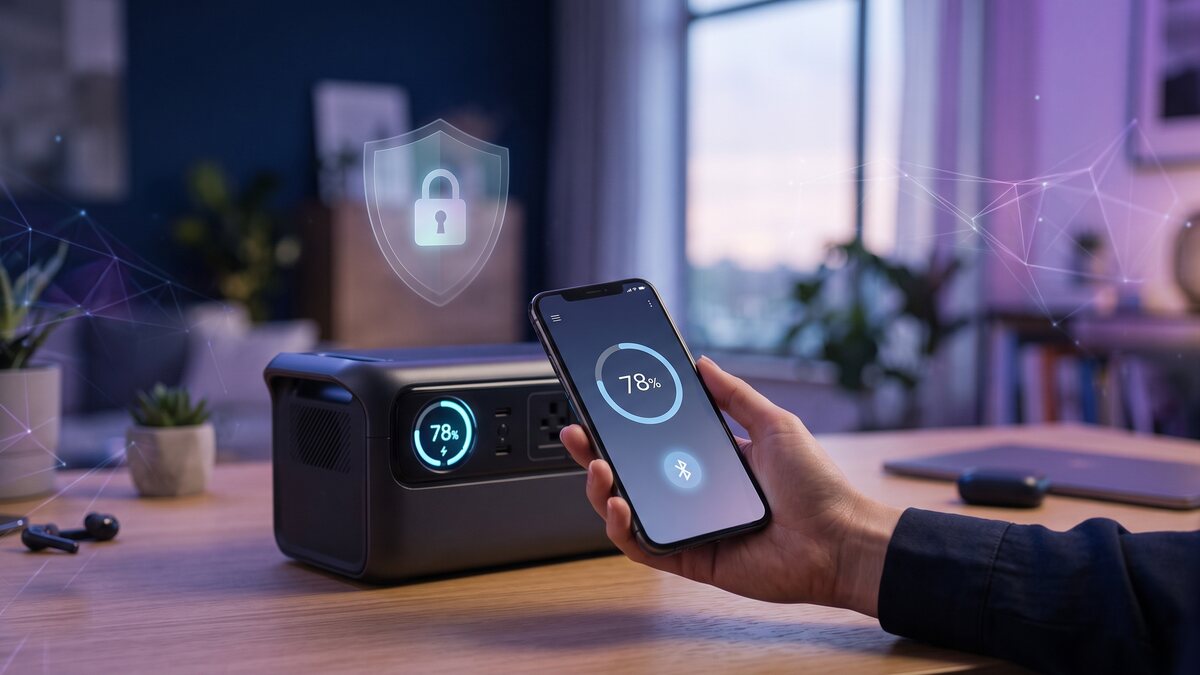
EcoFlow, Anker (Solix range), Bluetti, Jackery, Ugreen or DJI Power: almost every maker of power banks and power stations now ships a companion mobile app. On paper, its role is practical: show the real-time charge level, schedule charge and discharge cycles, enable a silent mode at night, or push a firmware update without a cable.
Under the bonnet, two layers coexist. The first is Bluetooth Low Energy (BLE), a local, short-range link between the phone and the device: it is what lets you control an EcoFlow Delta 2 or an Anker Solix C1000 even with no internet access, say in a remote campervan. The second is WiFi plus a cloud account: once the device is connected to a home network and an account is created, you unlock remote control (from the office, on holiday) and syncing across several devices. That second layer, functionally richer, is also the one that sends more data to the manufacturer's servers.
In short, not every app collects the same amount of data, and the mode you choose (Bluetooth only or a cloud account) genuinely changes what leaves the device.
What data do these apps actually collect?
In their respective privacy policies, these manufacturers generally distinguish four broad categories of data. Here is what each one really covers.
Account data
Email address, password (normally stored hashed, never in plain text), sometimes a phone number for two-factor authentication, and the language or country selected at sign-up. Nothing specific to the connected device at this stage: it is the same account data collected by any online service.
Technical product data
Serial number, firmware version, charge level, number of charge cycles, instantaneous input and output power, internal temperature, and energy production or consumption history (useful for stations paired with a solar panel). This data is mainly used for diagnostics, warranty support and product improvement.
App usage telemetry
How often the app is opened, which features are actually used, crash reports, phone model and operating system version. This is standard software telemetry, comparable to what any consumer mobile app collects.
Location: the most sensitive point
This is where practices differ most between brands. Some apps request location permission for one specific, disclosed purpose: local weather forecasts to optimise a solar panel, or a “find my device” feature. Others rely only on a coarse location (country, time zone) inferred from the IP address, never asking for the phone's GPS permission. Either way, this permission is never required for core functions (charging, discharging, monitoring the battery level): it can legitimately be refused without losing anything essential.
Why is this data collected in the first place?
This collection is not systematically suspicious: it usually answers real, documented needs.
- After-sales support and warranty: if something breaks, the technical history (cycles, temperatures, error codes) lets support diagnose it remotely without shipping the device back.
- Product and firmware improvement: aggregated usage data helps manufacturers fix bugs or tune charging curves.
- Safety: detecting a thermal or voltage anomaly can trigger an alert before an incident happens, which requires at least occasional reporting of these measurements.
- Marketing and third-party analytics: this is the least transparent area. Some apps embed third-party software development kits (SDKs) for analytics or advertising purposes, usually disclosed only deep in the privacy policy, rarely on the permissions screen.
So the right question is not “do they collect data?” (the answer is almost always yes), but “for what specific purpose, and can I check it and limit it?”
What does EU data protection law say about all this?
The General Data Protection Regulation (GDPR) applies as soon as a manufacturer processes the personal data of an EU resident, regardless of where the company is headquartered. A Chinese or American brand selling a power station to a customer in France, Germany or Poland is fully bound by the GDPR the moment it processes their data through the app or the associated cloud service.
Every processing activity needs a specific legal basis: most often performance of the contract (making the purchased service work), the manufacturer's legitimate interest (security, fraud prevention), or, for anything beyond the strict operation of the product (marketing, sharing with third parties), the user's explicit consent, which can be withdrawn at any time.
| Data type | Concrete example | Most likely legal basis | Your lever |
|---|---|---|---|
| Account | Email, password | Performance of the contract | Dedicated address, unique password |
| Technical product data | Cycles, temperature, charge level | Contract / legitimate interest | Hard to refuse without losing monitoring |
| Usage telemetry | Features used, crash reports | Legitimate interest | Often toggled off in settings |
| Location | GPS position, IP address | Consent | Refusable in most cases |
| Marketing / third-party SDKs | Advertising analytics | Consent | Refusable, often via a dedicated toggle |
The GDPR then grants every user rights that can be enforced against the manufacturer: the right of access (obtaining a copy of the data held), the right to rectification, the right to erasure (which can be exercised even after the warranty has expired), the right to data portability (getting your data back in a reusable format), and the right to object to processing for marketing purposes. The manufacturer generally has one month to respond to a request, sent to the address listed in its privacy policy or to its data protection officer (DPO).
How to limit data collection without losing useful features
You do not need to give up an app's practical features to take back control of what it collects. A few settings, often ignored at first launch, are enough.
- Review permissions during setup: on Android as on iOS, decline location access if it is not essential to the intended use (it can always be changed later in the phone's settings).
- Prefer Bluetooth-only control when it is available: if the device offers a local control mode with no account and no WiFi connection required, that is the option that shares the least data.
- Turn off analytics and marketing sharing: most recent apps include, under a “Privacy” menu, a toggle to switch off non-essential usage statistics and sharing with third parties.
- Limit push notifications: beyond privacy, every notification enabled is another communication channel; keep only the genuinely useful ones (charge complete, safety alert).
- Use a dedicated email address: this avoids linking the account to your main identity used elsewhere, and makes a future erasure request easier.
What this means when choosing a connected battery
Data collection deserves a place among the criteria for choosing a connected power station or power bank, alongside capacity or output power. Two things are worth checking before buying: does the device work fully over local Bluetooth, with no obligation to create a cloud account? And is the brand's privacy policy easy to find and clearly written, rather than buried in endless terms and conditions?
Our product pages for the most popular models note when a local control mode is available. It is a genuine peace-of-mind criterion, alongside the usual technical ones.