
The symptom: a power bank that caps out, with no on-screen explanation
The scenario shows up constantly in user reports and forums: a power bank rated 65W, 100W, or even 140W, bought specifically for fast charging, that only ever delivers 18 to 20W to a phone, or 45W to a laptop expecting 65. No error message appears: charging works, it's just far slower than the spec sheet promises.
The natural instinct is to blame the power bank itself, a manufacturing defect, or the phone throttling power for safety. In a surprising share of cases, the real culprit is far more discreet: the USB-C cable linking the two devices.
Above 60W, a cable must be electronically identified
The USB Implementers Forum (USB-IF), the body that defines and certifies USB standards, enforces a simple rule for USB-C to USB-C cables: every certified cable must clearly state its maximum power rating, 60W or 240W, with no official value in between.
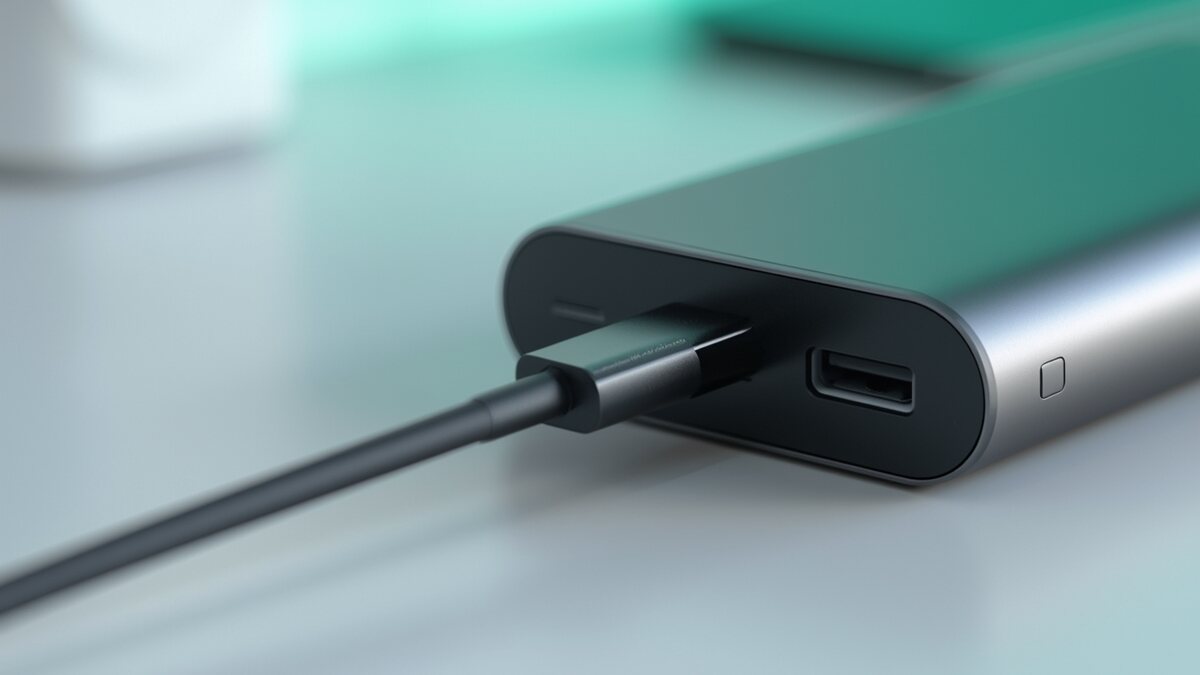
A "60W" cable carries up to 3A at 20V with no special electronics. Beyond that, to reach 5A and therefore up to 240W under USB Power Delivery 3.1 (the EPR, Extended Power Range, profile), the cable must embed an identification chip, the "e-marker" (electronically marked cable), which tells the charger and the device its real capability before power negotiation even starts.
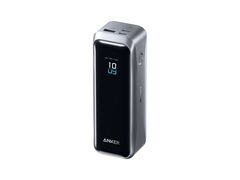
The practical result: plugging a 100W power bank into a basic, non-e-marked cable mechanically caps charging at 60W, regardless of what the power bank and the charging device could actually handle together. The system simply has no way to "know" it can ask for more: it's the cable, not a power bank like the Anker Prime 20100 220W, that sets the ceiling of the negotiation.
Cable resistance: how thin wire drops your voltage
Even below the 60W threshold, a second, lesser-known effect degrades charging speed: the cable's own electrical resistance. A Texas Instruments engineer worked through a concrete example in a technical article on USB power: a 1-meter USB cable using 24 AWG wire (a common gauge, neither especially thin nor especially thick) carries roughly 0.166 Ω of resistance in its power conductors, plus around 0.12 Ω of contact resistance at the connectors, for a total of about 0.286 Ω.
On that cable, at a 2.1A charging current, the voltage drop reaches about 0.6V: a 5V supply ends up delivering only 4.4V at the far end of the cable, a value close to the floor many USB devices tolerate before cutting the requested power or flagging unstable charging.
Thicker wire (a lower AWG number) reduces this resistance and limits the loss; an "extra-long" cable (2 or 3 metres) with thin wire stacks both effects and can noticeably slow real charging speed, even when the e-marker chip officially advertises a higher power rating.
Uncertified, overlong, budget cables: the combinations that make it worse
In practice, several cable shortcomings often stack up on budget gear, or on a cable bundled free with an unrelated accessory:
- No e-marker on a cable sold simply as "fast charging" with no further spec: a mechanical 60W cap, regardless of the power bank.
- Thin wire gauge, invisible from the outside under a thick braided sleeve that gives a false impression of ruggedness.
- Excessive length (2 metres or more) without a thicker gauge to compensate, stacking wire resistance and voltage drop.
- Low-quality connectors, which add contact resistance and wear out faster with repeated plugging.
The power bank maker can't do much about it: the cable bundled in the box is almost always a basic one, fine for standard charging but rarely up to the maximum power printed on the packaging.
How to check and choose the right cable
A few simple checks help rule the cable out before blaming the power bank:
- Try a different cable, ideally one bundled with a high-end laptop charger, which is usually e-marked out of necessity.
- Check the cable's packaging at purchase time: an explicit "100W", "240W" marking or the matching USB-IF certification logo is the only reliable guarantee, far more so than marketing terms like "fast charge" or "high power", which map to no precise standard.
- Favour a short cable (1 metre or less) when the power bank's maximum output really matters, and keep long cables for lower-power uses.
- Check the whole chain for consistency: a 240W cable is wasted behind a power bank capped at 65W, but a 60W cable will always throttle a 100W or 140W power bank, no matter how good the rest of the setup is.
To dig into the fast-charging protocols themselves (Power Delivery, PPS, Quick Charge) once the cable is ruled out, see our guide USB-C PD, PPS, Quick Charge: getting fast charging right.
Which power banks benefit most from a good cable?
The stakes grow with the power bank's rated output. On a modest 20-30W model, a basic cable is almost always enough. On the market's most powerful models, though, an undersized cable becomes the single biggest bottleneck:
- The Anker Prime 20100 220W, which needs a certified 240W (5A) cable to use its full power; a 60W cable throttles it to under a third of its potential.
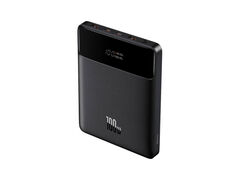
- The Baseus Blade 100W 20000mAh, whose 100W charging also demands an e-marked cable.
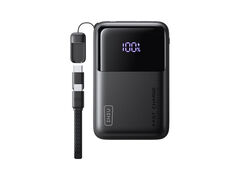
- The iniu 25000mAh 100W, same requirement at that power tier.
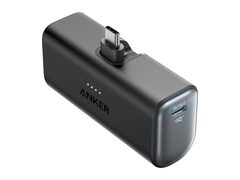
By contrast, a compact power bank like the Anker Nano A1653, natively capped at a more modest output, stays almost indifferent to cable quality: there's nothing extra to lose when it can't deliver it in the first place. See our full power banks selection to compare rated outputs.