
Getting hot during solar charging: normal behaviour
It is one of the most common support questions as soon as the first sunny days arrive: "my power station feels hot, the fan is roaring, is it about to fry itself?" In the vast majority of cases, no. Any charging, whether from an AC outlet or a solar panel, generates heat: that is basic physics, not a manufacturing flaw.
Two things heat up at the same time during solar charging: the battery cells themselves, and the MPPT (maximum power point tracking) converter that turns the panel's variable current into the voltage the battery needs. A fan spinning faster is not a distress signal: it is the cooling system doing exactly its job, letting the unit keep charging at full speed instead of slowing down.
Where does this heat actually come from?
No electronic converter and no battery cell is perfectly efficient: some of the energy passing through is always lost as heat, roughly in proportion to the current flowing. Two sources add up during solar charging:
- Internal resistance of the cells. Every lithium cell (LiFePO4 on most recent power stations) has a very low but non-zero internal resistance. The charging current flowing through it dissipates energy as heat, much like a wire warms up under a heavy current. The higher the charging current, the more heat is produced, and not in a straight line.
- Switching losses in the MPPT converter. The MPPT constantly adjusts its output voltage, thousands of times per second, to pull the maximum power out of the panel regardless of how strong the sunlight is at that moment. That rapid switching also dissipates energy, concentrated in a small electronic component, which heats up more, for its size, than the battery's much larger mass of cells.
This is why fast solar charging (often advertised as "charges in 1 to 2 hours" on recent models) heats up noticeably more than a slow overnight charge from weak solar input: the instantaneous current, and therefore the losses, are much higher.
The sunlight trap: the worst case for temperature
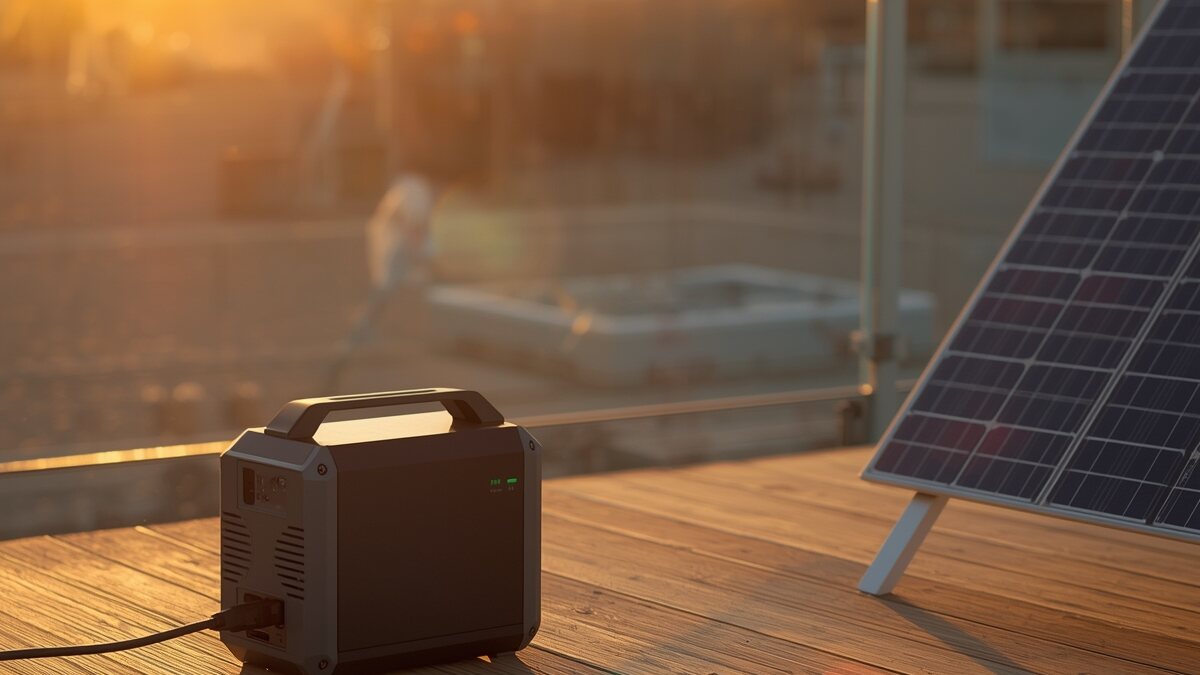
Solar charging has one feature that AC charging does not: it happens, by definition, out in direct sunlight. A dark casing exposed directly to the sun's rays can climb well above the surrounding air temperature through radiant heat alone, before it has even started charging anything. Add the internal heat described above, and the two sources stack up, which explains why the casing runs noticeably hotter during solar charging than during an indoor AC charge, even for an identical charging current.
The US Fire Administration (part of FEMA) notes this in its general safety guidance on lithium-ion batteries: it recommends not exposing a lithium-ion battery to direct sunlight and not leaving it in a hot car, precisely because that outside heat adds to the heat the device produces on its own1.
The BMS at work: why charging sometimes slows at midday
Plenty of users notice solar charging slowing down exactly when the sun is strongest, right at midday, when you would expect the opposite. That is usually not a failing panel: it is the BMS (battery management system) and the charging electronics deliberately cutting back the current once the measured internal temperature crosses a certain threshold, to protect the cells and the components instead of letting them keep heating up without limit. This is called thermal limiting, or derating.
Manufacturers of professional solar charge controllers document this exact behaviour: Morningstar, which builds MPPT controllers used across the solar industry, explains that its controllers are programmed to automatically derate their output power once an internal temperature threshold is reached, specifically to protect the component's lifespan rather than risk an abrupt shutdown or damage2. The same protective logic runs, on a smaller scale, inside the electronics of consumer power stations.
In practice, a power station that charges more slowly after a few dozen minutes in full sun, without any error message and without shutting down, is very likely applying that protection. The current usually climbs back up on its own once the temperature drops, for example in the shade or later in the day.
Quick recap: normal heat or warning sign?
To tell expected behaviour apart from something worth watching:
| Observation | Likely cause | Action |
|---|---|---|
| Warm casing to the touch, fan spinning harder | Normal charging heat | Nothing to do, let it continue |
| Charging slows in full sun after 30 to 60 minutes | Thermal limiting (BMS) protecting the unit | Nothing to do; move to shade to charge faster if you want to |
| Casing too hot to touch comfortably for more than a second or two | Excessive heat, worth watching closely | Unplug, move to shade and let it cool before resuming |
| Unusual smell, smoke, or a case that swells or deforms | Real fault, safety risk | Unplug immediately, move away from anything flammable, contact support |
The real warning signs you should never ignore
A bit of warmth and a noisy fan are not a reason to worry. A handful of signs, though, clearly fall outside normal behaviour and call for stopping the charge right away. The US Fire Administration recommends stopping the use of a lithium-ion battery immediately if any of these appear: an unusual smell, a change in colour, excessive heat, a change in shape (swelling), leaking, or an unusual noise such as hissing or popping1.
If any of these show up while solar charging:
- Disconnect the solar panel and stop any output in use right away, rather than waiting for the charge to finish on its own.
- If it is safe to do so, move the unit away from anything flammable (dry grass, a tent, a vehicle), outdoors and on a flat, non-combustible surface.
- Never try to open the casing yourself: a damaged lithium cell stays dangerous even when it appears to carry no charge.
- Contact the manufacturer's support team with a precise description of what you observed, and keep the unit exactly as you left it, without any personal intervention, to protect your warranty.
Charging cooler: good habits in the sun
A few simple habits noticeably cut down on heat without sacrificing charging speed:
- Keep the unit in the shade, the panel in the sun. Solar cables typically run 3 to 5 metres (10 to 16 ft) depending on the model, so there is no need to leave the power station itself baking in direct sun.
- Never leave it in a closed car in summer. The cabin can climb well above the outside temperature within minutes, adding residual heat before charging has even started.
- Don't block the vents. A unit pushed against a wall, buried under camping gear, or zipped into a closed bag recycles its own hot exhaust air instead of venting it.
- Stay within the manufacturer's rated maximum solar input. Pushing past that limit for long periods, for instance with several panels wired in parallel beyond what is specified, puts extra strain on the MPPT converter and adds heat without any real speed gain once thermal limiting kicks in.
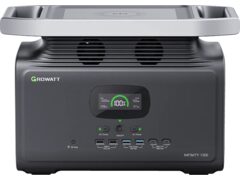
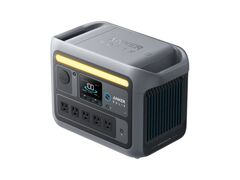
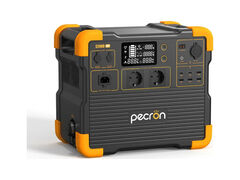
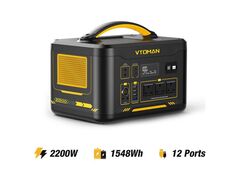
For more on what solar charging can actually deliver in practice (real-world efficiency, charge time by sunlight), our guide on solar charging: what is actually possible walks through the real numbers. And if what brought you here is a unit that flatly refuses to power on, the diagnosis is different: see our guide on a power station that won't turn on. On the hardware side, here are a few power stations known for well-managed BMS thermal behaviour during solar charging: